


How to Register Your Extended Warranty


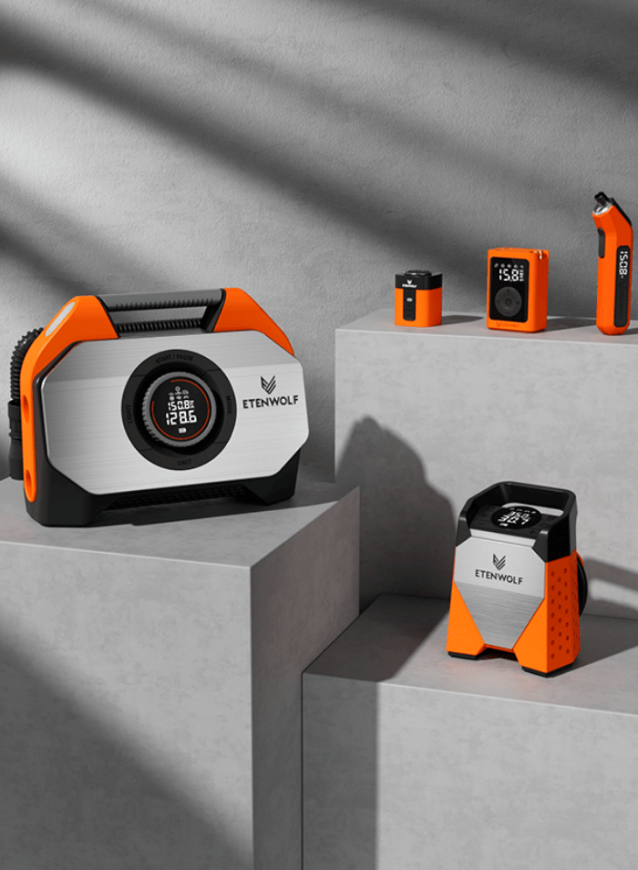
Applicable Products: All ETENWOLF products
To activate your warranty and enjoy peace of mind with your ETENWOLF purchase, please follow these simple steps:
📝 Warranty Registration Steps:
-
Visit the Warranty Registration Page:
Go to https://etenwolf.com/pages/etenwolf-warranty-registration -
Fill Out the Form:
You’ll be asked to provide the following information:-
Your Order ID
-
The Purchase Channel (e.g., Amazon, ETENWOLF website, etc.)
-
Product model or name
-
Date of purchase
-
Your contact information
-
-
Submit the Form:
Once submitted, your warranty registration will be saved in our system.
📌 Notes:
-
Most of our products come with a 1–2 year warranty depending on the model.
-
Warranty covers defects in materials or workmanship under normal use.
-
Registering your warranty will help us process support requests and replacements faster.


